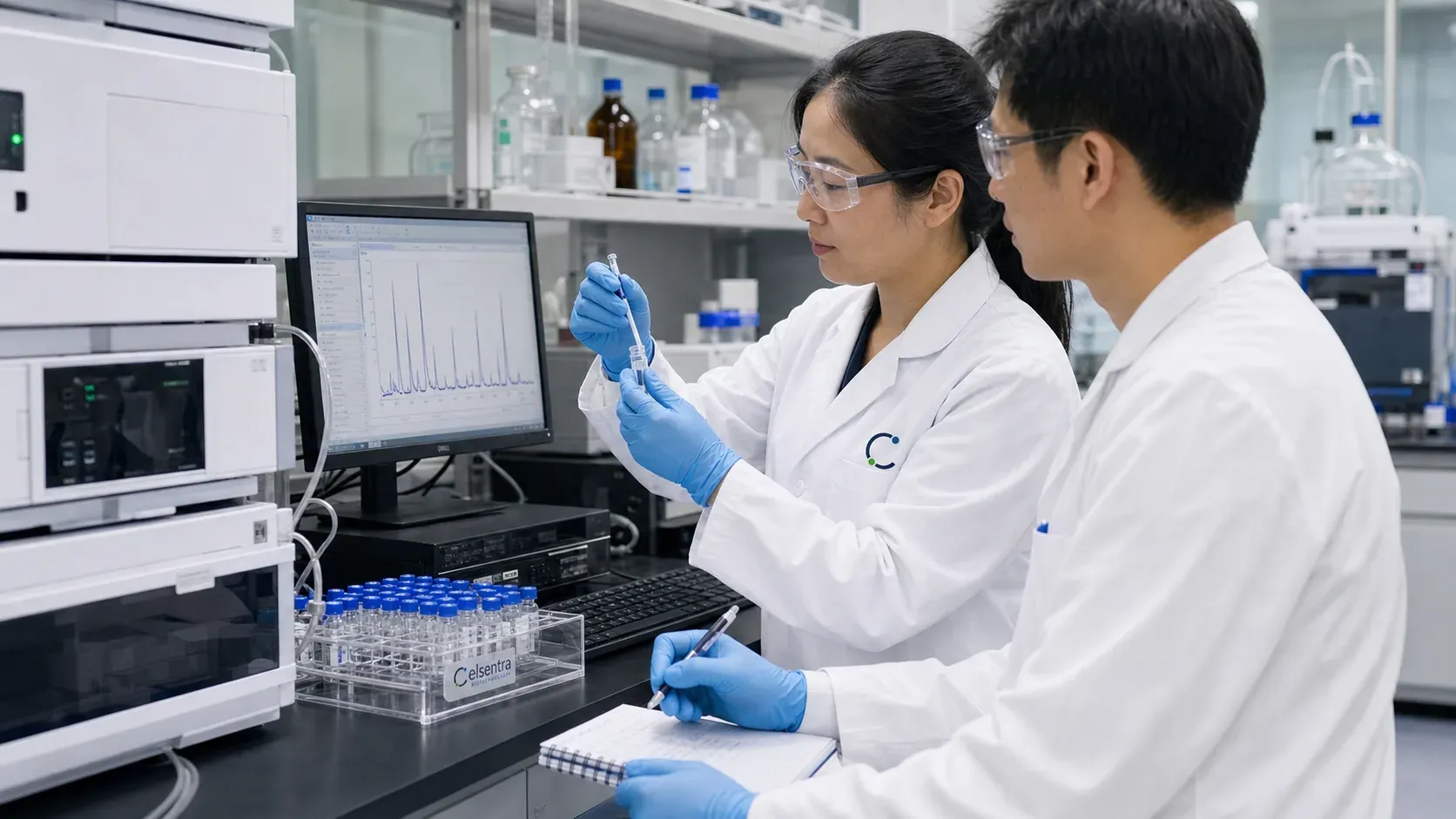
The COA library provides a direct route from a listed product to the original analysis documents held by Celsentra. Browse by product name, report identifier or lot reference, then open the report image to read it in its original form. The library is intended to make source documents accessible and understandable, with the identifying details kept beside each file.
Keep the document in context
An analysis document describes an identified sample or batch and the results reported for that examination. The product name, lot number and report date help readers understand that context. Where a product has several records, each report remains separate. A report for one listed quantity, formulation or batch should not silently stand in for another. This approach gives professional buyers a more useful document trail than an isolated purity number in a promotional headline.
Read the image and its catalog connection together
The library shows the original JPG pages with readable previews and the original report details. Product pages link back to their matched records, so a buyer can move between the catalog description and the underlying document. A missing current-batch document is identified through the product review process rather than replaced with a similar file. Company and facility information is presented separately, because a batch report and a company credential answer different questions about a business relationship.
Original documents and verification
Match the product, specification and lot before using a batch document.
No batch report has yet been approved for public access on this website. Request the exact document required for your selected item.